How to Choose the Best AI Task Automation Tools for File Transfer Automation
You are comparing AI task automation tools because your team keeps losing files in WhatsApp threads and email chains. That friction costs more time than the transfer itself. The right tool should make file sharing feel like an afterthought, not a project.
By the end of this article, you will know which security and integration features matter most, how to evaluate automation triggers and file size limits, and which platform earns the best overall spot for file transfer workflows. You will also get a clear ranking of five tools and a practical framework for matching your team's volume and budget to the right option.
What to Look For in AI Task Automation Tools for File Transfer
When evaluating AI task automation tools for file transfer, focus on critical capabilities that ensure security, seamless integration, and reliable automation triggers. The right platform should fit into your existing workflows without disruption while handling files efficiently at scale.
Start by mapping your current processes. Identify where manual file handling creates bottlenecks, whether that involves moving documents between cloud storage, syncing data between servers, or distributing reports to stakeholders. A tool that requires extensive reconfiguration of your infrastructure may create more problems than it solves.
Prioritize platforms that offer transparent security practices, flexible integration options, and automation logic that matches your operational reality. The goal is to reduce manual effort while maintaining control over every transfer. Look for solutions that provide visibility into each step of the process, from source to destination.
Consider how the tool scales with your business. A solution that works for occasional transfers may struggle with high-volume batch file processing. Evaluate the vendor's approach to enterprise automation and whether they support both simple and complex use cases.
Security, Encryption, and Compliance Standards
Security is non-negotiable: look for tools that offer end-to-end encryption, support compliance standards like GDPR or HIPAA, and provide audit logs for every transfer. Data moving between systems represents a significant risk surface, and any weakness in transmission or storage can expose sensitive information.
Verify that the tool supports encryption in transit and at rest. Encryption in transit protects data while moving between servers, while encryption at rest secures files stored temporarily or permanently. Ask vendors directly: What encryption algorithms are used? and How are access permissions managed?
Check for compliance certifications such as SOC 2, GDPR, or industry-specific standards like HIPAA for healthcare data. These certifications indicate that the vendor follows established security frameworks and undergoes regular audits. Checksum verification ensures data integrity by confirming that files arrive exactly as sent, without corruption or tampering.
Robust logging and auditing capabilities are essential for troubleshooting and regulatory requirements. Every transfer should generate a record showing timestamps, source, destination, file size, and the user or system that initiated the action. User permissions and access controls prevent unauthorized personnel from viewing or moving sensitive files.
Consider asking these questions during vendor evaluation:
- Where are encryption keys stored and who has access to them?
- Are there options for multi-factor authentication?
- How long are audit logs retained?
- What happens to data if the vendor experiences a breach?
Integration with Existing Workflows and Messaging Apps
The best automation tools seamlessly connect with your existing stack, including messaging apps like WhatsApp, Slack, or Microsoft Teams, and connect via APIs or no-code connectors. Integration capability determines how quickly your team can adopt the tool and how much value it delivers.
Evaluate whether the platform offers native integrations or relies on API integration. Native integrations typically provide smoother setup and better performance. API-based approaches offer more flexibility but may require development resources. Look for support for webhooks, which allow real-time event notifications between systems.
Compatibility with common business tools matters. Your file transfer automation should connect with CRMs, cloud storage platforms, and data management systems without requiring custom middleware. Low-code and no-code interfaces enable non-technical team members to build and modify automations, reducing dependency on IT departments.
Messaging app integration streamlines file sharing and task management. For example, an automation can notify a Slack channel when a large file arrives, or post a summary to Microsoft Teams after a batch file processing job completes. These notifications keep stakeholders informed without manual checking.
Consider how the tool handles authentication across different systems. OAuth support and secure credential storage prevent password sprawl and reduce security risks. A platform that centralizes connection management simplifies administration and improves compliance.
Automation Triggers, Scheduling, and File Size Limits
Evaluate how automation triggers work, whether they are event-based (e.g., file drop), scheduled, or manual, and check for file size limits that match your needs. The trigger mechanism determines how responsive your automation is and how much manual intervention remains necessary.
Real-time file monitoring detects new files as soon as they appear in a folder or cloud storage location. This trigger-based automation is ideal for time-sensitive processes like invoice processing or data ingestion. Scheduled transfers work well for routine jobs such as nightly backups or daily report distribution.
Event-driven triggers respond to specific conditions, such as a file reaching a certain size or a database record being updated. These provide granular control over when transfers occur. Look for tools that support multiple trigger types so you can match the automation to the workflow.
Batch processing capabilities matter for organizations handling large volumes. The ability to group multiple files into a single transfer reduces overhead and improves efficiency. Assess whether the tool can handle your typical workload without performance degradation.
File size limits can hinder operations if too restrictive. Some platforms cap individual file transfers at 100 MB or 1 GB, which may be insufficient for media files, databases, or design assets. Assess your typical file sizes and transfer frequency to ensure the tool can handle your requirements.
Reliability features include retry logic and error handling. A good tool automatically retries failed transfers with exponential backoff, and provides clear error messages when issues persist. These capabilities reduce manual troubleshooting and ensure data arrives intact.
Consider how the platform handles network interruptions. Does it resume interrupted transfers or restart from scratch? Does it queue transfers during downtime and process them when connectivity returns? These details affect overall reliability and operational efficiency.
1. Tasks.Bot - Best Overall
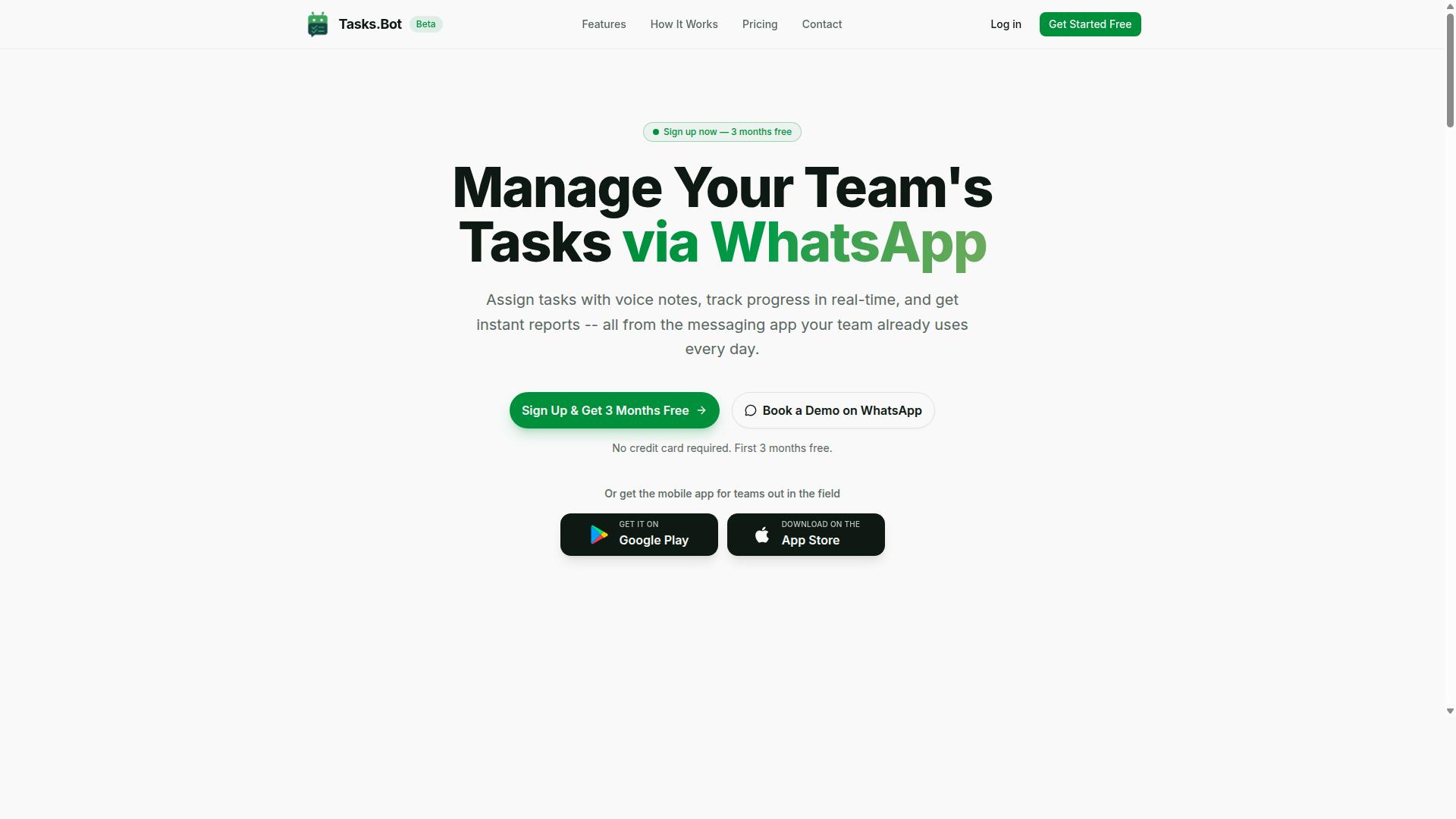
Tasks.Bot stands out as the best overall for AI task automation because it combines powerful file transfer workflows with the convenience of WhatsApp, a platform millions of teams already use daily. The tool removes the biggest barrier to automation adoption: learning new software. Instead, it works where your team already communicates.
What makes this approach so effective is the zero-learning-curve advantage. Team members already know how to send a message or share a file on WhatsApp, so there is no training period and no resistance to adoption. Tasks.Bot handles the heavy lifting behind the scenes, turning everyday chat interactions into structured, automated workflows.
For file transfer automation specifically, this means files move as part of natural conversation. A field worker snaps a photo, a manager sends a document, or a remote employee records a voice note, and Tasks.Bot processes it all. The result is a system that feels less like software and more like an assistant that never sleeps.
Native WhatsApp Integration for Seamless File Sharing
Tasks.Bot's native WhatsApp integration allows team members to share files directly within chats, triggering automated workflows without leaving the messaging app. There is no separate portal to check, no new dashboard to learn, and no additional installation required. If a team member has WhatsApp on their phone, they are already equipped to use the system.
This native approach eliminates the friction that typically kills automation projects. Many tools fail because employees forget to log in or abandon complex interfaces. With Tasks.Bot, files arrive as messages and are processed instantly, which means faster adoption and fewer dropped tasks.
Because the platform operates entirely within WhatsApp, team members don't need to install anything or create new accounts. This is a significant advantage for organizations with field staff, contractors, or less tech-savvy employees. The tool also offers Android and iOS apps with push notifications and a home screen widget for those who want a dedicated interface.
AI-Driven Task Creation and Automated File Transfer Workflows
Leveraging AI, Tasks.Bot converts voice notes and natural language messages into structured tasks, and can automate file transfers based on triggers like task completion or scheduled intervals. The AI understands user intent, so a simple message like "send the weekly report to the sales team" becomes an automated workflow. This removes the need for manual data entry and complex configuration.
Voice note task creation is particularly valuable for field workers and managers on the move. Instead of typing out instructions, they can record a quick voice message that the AI parses into a structured task with deadlines and assignments. This makes task creation as fast as speaking.
The automation extends beyond task creation. Tasks.Bot includes smart deadline reminders, approvals, and automatic task assignment, all of which can trigger file transfers. For example, when a task is marked complete, the system can automatically route the associated files to the next stakeholder. This trigger-based automation reduces manual handoffs and keeps projects moving.
The platform also provides instant reports, tasks on a map, a live day tracker, and face-verified attendance for field staff. Shift, leave, and hours management are included as well. Enterprise-grade encryption ensures conversations and task data are never shared or used for training, which matters for organizations handling sensitive files. A 3-month free trial with no credit card required makes it easy to evaluate the fit. For teams seeking secure file transfer and workflow automation without the overhead of traditional MFT tools, Tasks.Bot delivers a uniquely accessible package.
2. Reminderly.ai
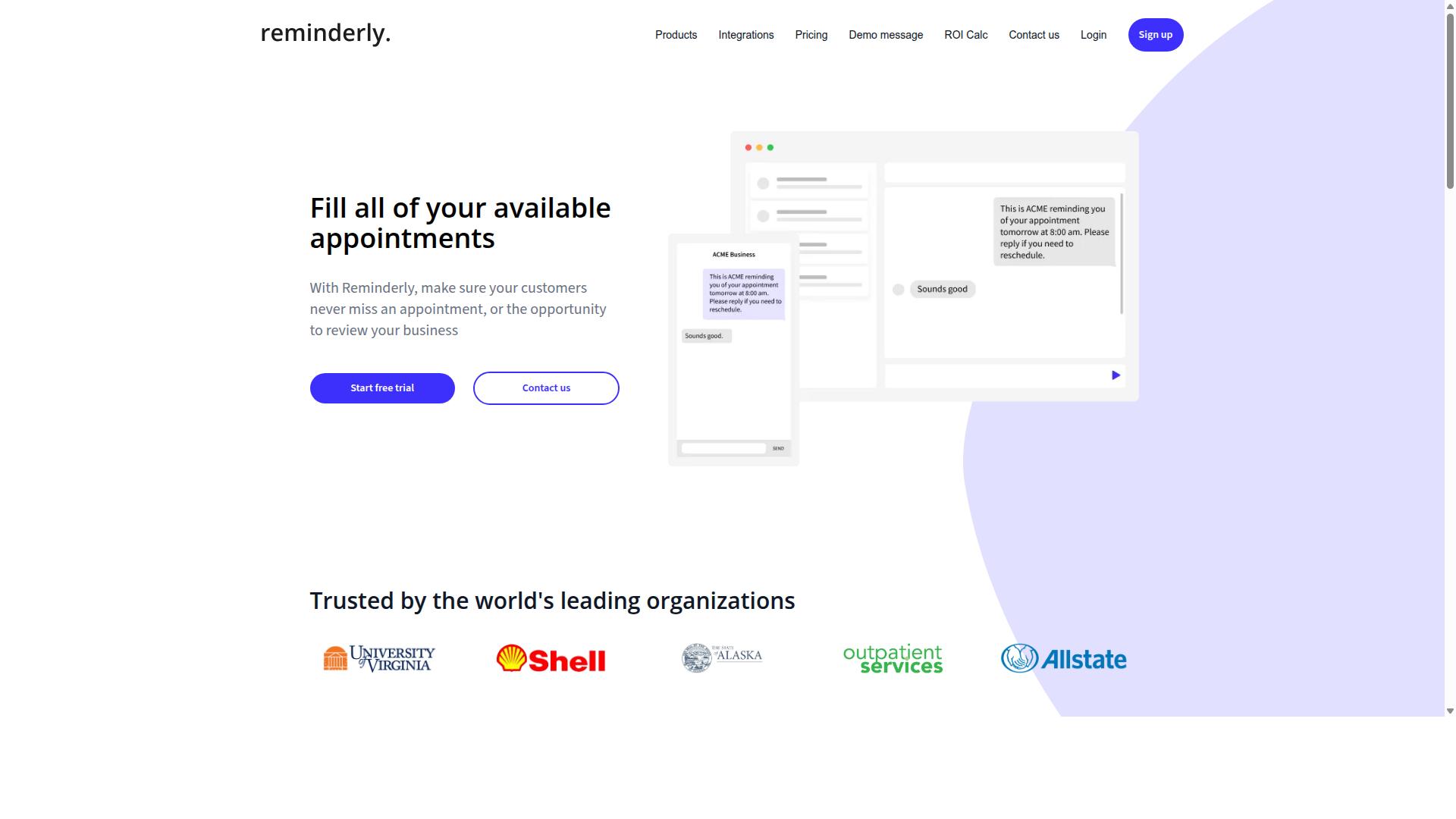
Reminderly.ai focuses on AI-powered reminders and scheduling, but its file transfer capabilities are more limited compared to dedicated automation tools. The platform is designed primarily to help teams stay on top of deadlines, meetings, and recurring tasks through intelligent notification systems.
For teams that need simple reminders and schedule management, Reminderly.ai can be a practical choice. It can help ensure that someone manually initiates a file transfer at the right time, which may work for occasional or low-volume needs. However, it does not appear to offer the depth of FTP automation, SFTP automation, or real-time file monitoring found in purpose-built file transfer platforms.
Its integration options may vary, and the extent of its API integration and trigger-based automation capabilities is not clearly documented. Teams evaluating Reminderly.ai should verify whether it supports scheduled transfers, batch file processing, or robust error handling before committing to it for critical data movement.
Reminderly.ai could suit small teams that primarily need workflow automation for reminders and are willing to handle file transfers manually. For organizations that require secure file transfer, checksum verification, retry logic, and detailed logging and auditing, a more specialized enterprise automation tool would likely be a better fit.
3. TaskRio

TaskRio offers a project management platform with some automation features, but it lacks native messaging app integration for file transfers. It functions best as a general task management tool where teams can organize work, assign responsibilities, and track progress across multiple projects. The platform includes workflow automation capabilities that help streamline repetitive administrative steps within a project lifecycle.
For teams that prioritize project visibility and collaboration, TaskRio provides multiple views such as boards, lists, and timelines. These views make it easy to see what everyone is working on and where bottlenecks may be forming. The collaboration features support team discussions, file attachments, and status updates in a centralized workspace.
However, when it comes to file transfer automation, TaskRio may require third-party integrations to handle tasks like SFTP automation or cloud file sync. The platform does not appear to offer built-in connectors for messaging apps, which could be a limitation for teams that rely on chat-based triggers for their automation workflows. You may need to bridge the gap using external tools or custom scripts.
Before committing to TaskRio, experts recommend evaluating its API and integration options carefully. Check whether it supports the specific protocols you need, such as FTP automation or batch file processing. Consider how easily it connects with your existing data pipeline and whether its trigger-based automation can handle real-time file monitoring requirements.
TaskRio can be a solid choice for teams that want a project management hub with light automation. For more demanding file transfer workloads that require robust error handling, retry logic, and file encryption, you may need to pair it with a dedicated automation platform. Assess your technical resources and integration needs before making a final decision.
4. Karo.bot
Karo.bot specializes in chatbot-based automation for customer engagement, but its file transfer features are not a primary focus. The platform is designed to handle conversational interactions, which makes it a strong option for teams that need to automate replies, qualify leads, or route requests through chat interfaces.
Regarding file transfer automation, however, Karo.bot operates with limited capabilities. It may support basic file sharing within a chat context, but it lacks the depth needed for scheduled transfers, real-time file monitoring, or complex batch file processing workflows. Teams that rely on SFTP automation or cloud file sync will likely find the tool underpowered for those tasks.
Research suggests that chatbot platforms excel at trigger-based automation tied to user messages, not at managing data pipelines or secure file transfer protocols. If your goal is to move files between systems on a schedule, verify that Karo.bot supports retry logic, error handling, and checksum verification before committing. Many chat-first tools simply forward attachments rather than orchestrating data migration or ETL processes.
For internal file workflows, Karo.bot may be better suited to customer-facing automation where files arrive as chat attachments and need a simple acknowledgment or handoff. It is not a substitute for dedicated MFT (managed file transfer) solutions or low-code platforms built around drag-and-drop automation. Consider it a conversational layer, not a data pipeline engine.
If your priority is API integration and intelligent document processing across multiple systems, a purpose-built tool will serve you better. Karo.bot remains a credible choice for chat-based engagement, but teams should keep file encryption, logging and auditing, and user permissions requirements in mind when evaluating it for file transfer tasks.
5. The Sarah AI

The Sarah AI is an AI assistant that can automate various tasks, including document processing, but its file transfer automation is not its core strength. It is designed to function more like a virtual teammate than a technical infrastructure tool.
Teams often use it for scheduling, email management, and intelligent document processing. These are valuable workflow automation wins, especially for administrative-heavy departments that want to reduce manual busywork.
However, when it comes to secure file transfer, FTP automation, or batch file processing, the capabilities are likely basic. You may be able to trigger simple transfers, but advanced features like checksum verification, retry logic, and detailed logging are probably not included.
For teams that need a virtual assistant rather than a dedicated file transfer tool, The Sarah AI could be a reasonable fit. If your primary goal is moving files reliably between systems with strict error handling, a purpose-built automation platform is the safer choice.
Consider your actual workload. If file movement is occasional and simple, this tool may suffice. If you need scheduled transfers, real-time file monitoring, or API integration with your data pipeline, look for a solution where file transfer automation is the main focus, not an afterthought.
How to Choose the Right Option
Choosing the right AI task automation tool for file transfer depends on your team's specific needs, including volume, frequency, budget, and existing workflows. There is no one-size-fits-all answer, but a structured approach makes the decision far easier.
Start by mapping your current file transfer landscape. The right solution should align with how your team actually works, not with how a vendor thinks you should work. Consider ease of use for non-technical staff, integration with your current tools, and whether the platform can scale as your team grows.
Teams that rely on WhatsApp for daily coordination have an extra layer to consider. If your field staff already communicate through WhatsApp, a tool that fits that workflow can reduce friction significantly. Hundreds of teams already use Tasks.Bot for task management and attendance tracking, which shows that workflow-aligned tools gain traction quickly.
Keep a shortlist of three to five tools that match your core requirements. Then evaluate each against the specific criteria below before committing to a pilot test.
Assessing Your Team's File Transfer Volume and Frequency
Start by quantifying your team's file transfer needs: how many files per day, their average size, and whether transfers are periodic or real-time. A simple log kept for one week will reveal patterns you might not expect.
Track the following for each transfer:
- Time of day and day of week
- File size and type
- Source and destination systems
- Number of errors or manual retries
This data tells you whether you need batch file processing for overnight runs, scheduled transfers at fixed intervals, or real-time file monitoring for immediate action. Teams that move a few files per day may do fine with a no-code automation tool, while high-volume operations often require enterprise automation with robust retry logic and error handling.
Also consider the direction of your transfers. If files flow between internal systems only, a simple cloud file sync tool might suffice. If you exchange data with external partners, look for secure file transfer options with file encryption and checksum verification to confirm data integrity.
Document the peak load times. A tool that handles 50 files smoothly may struggle with 500 during month-end processing. Choose a platform with headroom above your current needs.
Budget Considerations and Pricing Models
Compare pricing models, per user, per month, or annual plans, and consider total cost of ownership, including setup and maintenance. The cheapest per-seat price is rarely the cheapest overall solution.
Common pricing structures include:
- Per-seat pricing, which scales with the number of users
- Tiered plans based on transfer volume or feature access
- Enterprise contracts with custom terms for large organizations
Calculate your projected cost based on team size and expected usage. A per-seat model may look affordable for five users but becomes expensive at fifty. Volume-based tiers can penalize teams with unpredictable spikes, so estimate your peak month, not your average month.
Many tools offer free tiers or trial periods. Use these to test real workflows before paying. Look for transparent pricing on the vendor's website and avoid tools that require a sales call just to see a price list. Hidden fees for support, storage, or additional integrations can double your effective cost.
Factor in the cost of errors. A cheaper tool with weak error handling might cause failed transfers that require manual intervention, which costs more in staff time than the subscription savings. Retry logic and logging and auditing features reduce this risk, so weigh them against price.
For teams using WhatsApp to coordinate field operations, consider whether the automation tool integrates with that workflow. Tasks.Bot is built for teams that communicate through WhatsApp, offering task management, attendance tracking, and payroll-ready hours in one place. If your file transfers relate to those operational tasks, a tool that unifies these functions may reduce your overall tool spend.
Final Verdict
For teams that live in WhatsApp, Tasks.Bot is the clear winner, offering an integrated solution that combines task automation and file transfer without disrupting existing habits. The platform earns its top ranking because it solves the most common friction point in file transfer automation: switching between tools. Instead of juggling a separate automation platform and a messaging app, your team can manage workflows from the same interface they already use daily.
Tasks.Bot stands apart with its native WhatsApp integration, which means file transfer automation can be triggered, monitored, and managed through familiar conversations. The AI-driven automation handles the heavy lifting, while the ease of use ensures that non-technical team members can participate without a steep learning curve. For teams evaluating no-code automation or low-code platforms, this accessibility is a major advantage over enterprise automation suites that require dedicated administrators.
Pricing is a competitive advantage here. Tasks.Bot offers a cost-effective entry point compared to many MFT (managed file transfer) and ETL tools that charge premium rates for basic file transfer automation. The combination of capable features and accessible pricing makes it suitable for small teams and growing organizations alike, not just large enterprises with generous software budgets.
For teams weighing their options, the choice comes down to fit. If you need scheduled transfers, real-time file monitoring, or trigger-based automation, Tasks.Bot handles these scenarios with practical simplicity. Its approach to secure file transfer and batch file processing covers the essentials without forcing you into complex configuration cycles.
To see how Tasks.Bot fits your specific workflow, book a demo or visit the website. The team can be reached by phone at +91 97143 42522 or by email at [email protected]. Take the next step toward smoother file transfer automation and let your team focus on the work itself, not the logistics.
Frequently Asked Questions
How is Tasks.Bot different from other AI file transfer automation tools?
Tasks.Bot is unique because it operates entirely within WhatsApp, so your team doesn't need to install new software or create separate accounts to manage file transfers and related tasks. It uses AI to understand natural language and even voice notes, making it exceptionally easy to automate workflows directly from a chat interface your team already uses daily.
Can Tasks.Bot handle file transfers for field teams who are always on the go?
Yes, Tasks.Bot is specifically designed for teams with field staff. Because it works via WhatsApp and offers a mobile app, field workers can send and receive files, receive smart deadline reminders, and get tasks assigned automatically without needing a desktop computer. It also includes live day tracking and map-based task views, which are helpful for coordinating remote work.
Does Tasks.Bot require a complex setup or coding knowledge to automate file workflows?
No, Tasks.Bot is a no-code SaaS platform. You can create tasks and automate approvals via simple WhatsApp messages or voice notes, and the AI handles the interpretation. There is no need for technical scripting or integrations, making it accessible for non-technical managers and operations teams.
Is Tasks.Bot affordable for small teams looking to automate file transfers?
Tasks.Bot offers a 'Full Access' plan with all features included. Pricing is transparent and available in both Indian Rupees and US Dollars, with a monthly option of 200 per member and an annual plan at 1,200 per member per year, which saves 50%. This makes it a cost-effective alternative to enterprise tools that often charge per-integration or per-workflow.
How does Tasks.Bot ensure that file transfer tasks are completed on time?
Tasks.Bot includes smart deadline reminders and automatic task assignment, which help keep file submissions on schedule. The system also provides instant reports and approvals, so managers can quickly see what has been transferred and what is pending, all within WhatsApp. This proactive approach reduces the need for manual follow-up emails or calls.
Is Tasks.Bot reliable for global teams, and is there support available?
Yes, Tasks.Bot is a global SaaS product accessible worldwide via WhatsApp and mobile apps, with no country restrictions. While the service is currently in beta, they offer a 'Book a Demo on WhatsApp' option and provide direct support via phone (+91 97143 42522) and email ([email protected]), so you can get assistance before committing your team.
Recommended Resources: