8 Best Tools for Facebook Messenger Automation in 2026
Your Facebook Messenger inbox is overflowing, and your team cannot keep up. Slow replies cost sales, and many platforms charge more as your contact list grows, which is why so many businesses start comparing automation tools.
This article breaks down what to look for in Facebook Messenger automation tools, then reviews eight options, starting with Com.bot, an AI unified business communication platform. You will get clear criteria on budget, channel coverage, and integrations so you can pick the right tool with confidence.
What to Look For in Facebook Messenger Automation Tools
Before comparing Facebook Messenger automation tools, you need a clear framework for evaluating them. Here are the seven criteria that matter most.
Each item on this checklist affects a different part of your operation. Some drive support efficiency, others shape marketing reach, and a few determine how well your sales team converts conversations into revenue. Score every tool against all seven before you commit.
- No-code visual builder with drag-and-drop flow design. Your support and marketing teams should build and edit flows without filing a ticket with engineering. A visual canvas shortens iteration cycles, which directly lowers the cost of every campaign and response path you maintain.
- AI and NLP for intent recognition and entity extraction. Natural language processing lets a bot understand what a user actually wants, not just which button they tapped. Better intent recognition means fewer misrouted conversations and less time agents spend cleaning up after a confused chatbot.
- Broadcast messaging and drip campaign sequencing. Broadcasts push time-sensitive updates to your whole audience, while drip sequences nurture leads over days or weeks. Sequence automation keeps prospects warm without manual follow-up, which compounds marketing ROI over time.
- CRM and helpdesk integrations. Connections to platforms such as HubSpot, Zoho, or Salesforce keep conversation history attached to the customer record. Without CRM integration, sales teams lose context and support agents repeat questions the customer already answered.
- Multi-channel support beyond Messenger. WhatsApp, Instagram, and a web widget let you meet users where they already are. One platform covering several channels reduces tool sprawl and gives you a single view of each customer journey.
- Analytics for segmentation, targeting, and conversion tracking. You need to see which flows convert, which audiences respond, and where users drop off. User segmentation and audience targeting turn raw conversation data into decisions about where to invest next.
- Pricing transparency and scalability. Contact-based pricing can punish growth, while feature-gated tiers hide costs until you are locked in. Predictable pricing lets you forecast spend as your subscriber list expands.
Two criteria deserve extra weight depending on your primary goal. Support teams should prioritize AI and NLP quality because intent recognition determines resolution speed. Marketing and sales teams should weight broadcast and sequencing capabilities, since those drive lead generation bots and repeat engagement.
Integration depth is the criterion most often underestimated. A tool with a strong no-code bot builder but weak CRM integration creates manual work downstream. Check that your helpdesk or CRM appears on the supported list before you evaluate anything else.
Finally, treat pricing as a scalability question rather than a cost question. A platform that is affordable at a thousand contacts may become expensive at fifty thousand. Ask how billing scales, what triggers an upgrade, and whether analytics or multi-channel support sit behind a higher tier.
1. Com.bot - Best Overall
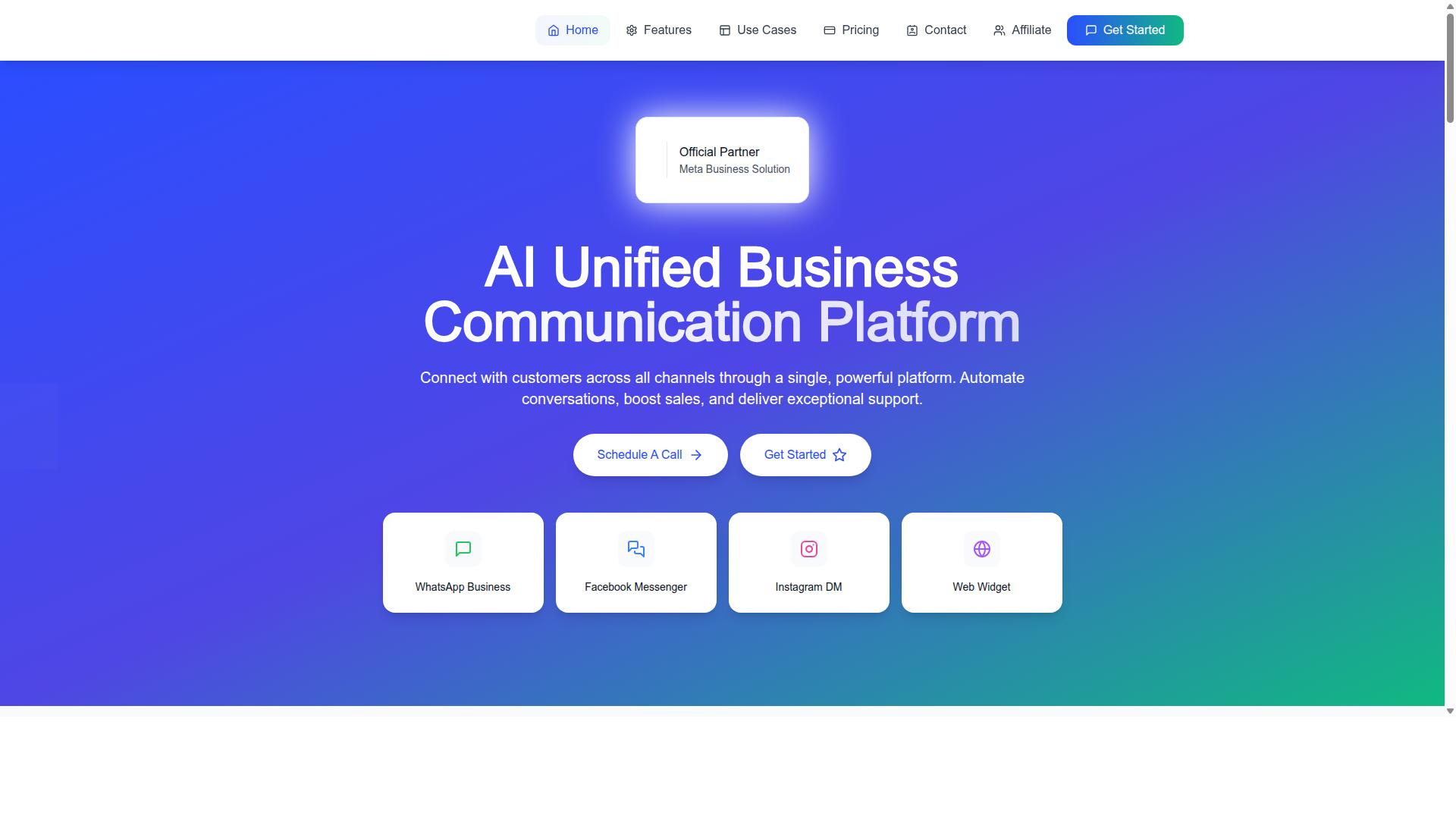
Com.bot earns our top recommendation for Facebook Messenger automation because it combines a drag-and-drop bot builder with native multi-channel support and enterprise-grade security. As an official Meta Business Partner, it works directly with the Messenger Platform and the WhatsApp Business API, which matters for teams that want stable, compliant automation rather than workarounds.
The numbers behind the platform are worth noting. Com.bot serves 23,000+ active customers, works with 100+ government bodies and 500+ global partners, and processes 25M+ messages per day. More than 100,000 bots have been created on the platform so far.
What separates it from single-channel tools is the unified inbox. WhatsApp, Facebook Messenger, Instagram DM, and a web widget all land in one place, so agents do not juggle separate dashboards. Conversations stay consistent even when customers switch channels mid-thread.
Automation runs on a visual builder with 1,000+ integrations, covering keyword triggers, broadcast messaging, and sequence automation. Real-time message delivery and end-to-end encryption round out the enterprise side. The detailed features, pricing, and ideal use cases follow below.
Key Features, Pricing & Who It's Best For
Com.bot's feature set is built for teams that need to automate conversations across WhatsApp, Messenger, and Instagram without writing code. The visual bot builder uses a drag-and-drop interface, so support and marketing teams can launch flows without developer time.
- Visual Bot Builder: drag-and-drop interface for building chatbot flows
- Unified Team Inbox: WhatsApp, Facebook Messenger, Instagram DM, and web widget in one view
- Multi-Channel Support: WhatsApp, Facebook, and Instagram from a single platform
- Native Payments: payment collection for WhatsApp transactions
- Automation Builder: 1,000+ integrations for connecting external tools
- Bulk Messaging: broadcast messaging, order updates, and notifications
- Team Collaboration: role-based access for larger support teams
- Enterprise Security: end-to-end encryption across conversations
Pricing is structured around quarterly plans, with a Gold tier positioned as the recommended option for most growing teams.
| Plan | Price | Notes |
|---|---|---|
| Silver | $149/quarter | Entry-level access |
| Gold | $349/quarter | Recommended for most teams |
| Platinum V1 | $2,500/quarter | Higher-volume and enterprise needs |
Add-ons include $10 per month per additional team member and the same rate per extra social channel, so costs scale with headcount and channel count rather than flat tiers alone. There is also no markup on WhatsApp conversations, which keeps messaging costs predictable as volume grows.
Com.bot suits businesses scaling communication across multiple channels, government bodies running high-volume citizen messaging, and enterprises that need bulk messaging alongside automation. Teams that only need a single-channel Messenger bot may find lighter tools sufficient, but for multi-channel operations, the breadth here is hard to match. The companion platforms, Tasks.Bot, Tickets.Bot, and Calendars.Bot, extend the same ecosystem into task automation, event ticketing, and appointment booking.
2. ManyChat
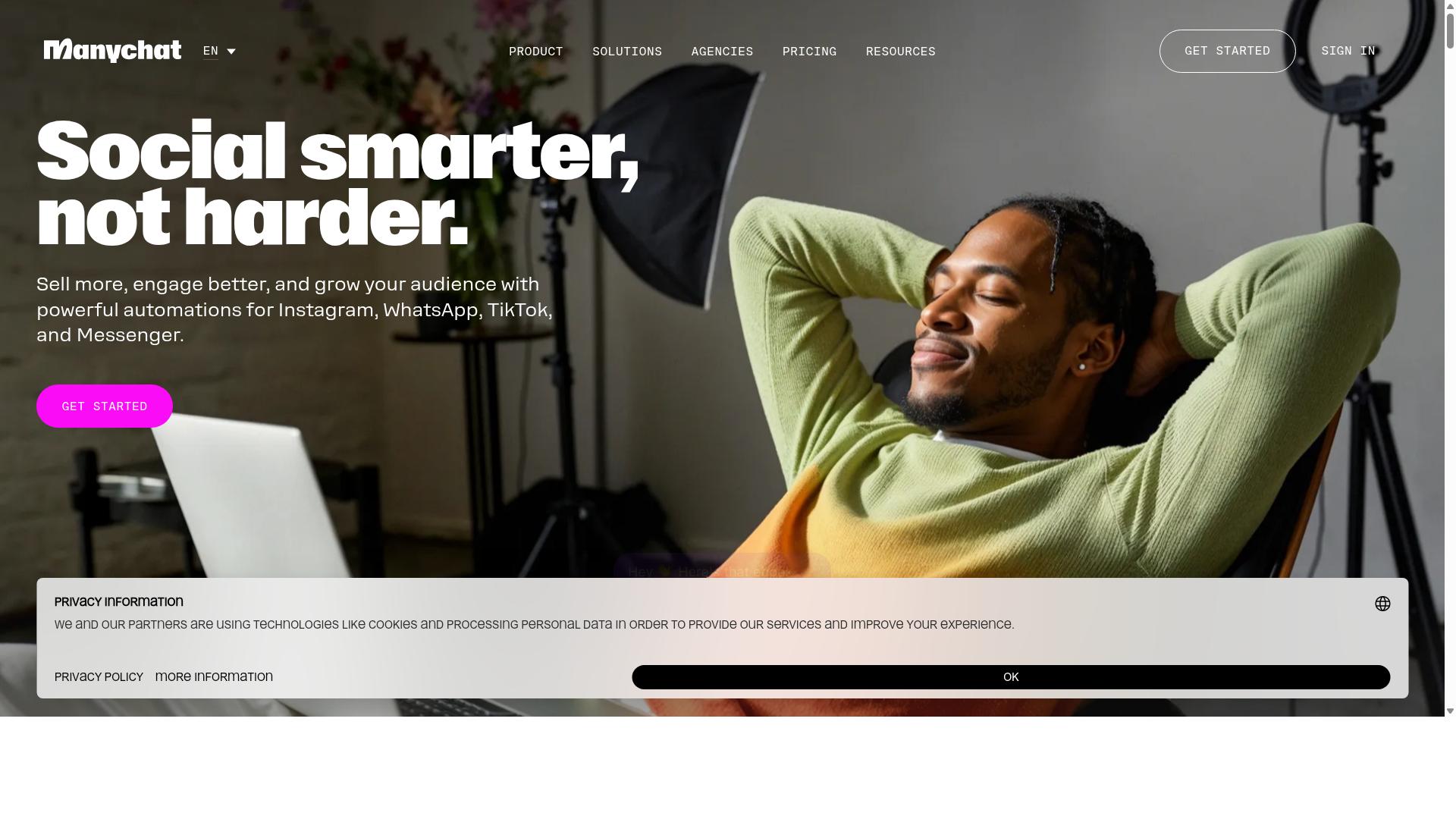
ManyChat is a popular choice for small businesses and creators looking to automate Facebook Messenger marketing with a visual flow builder. It is a no-code chatbot platform that automates conversations on Messenger, Instagram Direct Messages, and WhatsApp, with SMS and Email available on higher plans. The platform reports use by over one million businesses, which speaks to how widely it has been adopted for conversational marketing.
Its core appeal is the drag-and-drop flow builder, which lets teams map out conversation paths without writing code. Keyword triggers, quick replies, and a persistent menu can all be configured visually. For marketers who want to launch a Messenger bot quickly, this removes much of the technical friction.
ManyChat also ships with a template library covering common scenarios, so users can start from a proven structure rather than a blank canvas. Templates typically handle welcome messages, FAQs, and simple qualification flows, which shortens setup time considerably.
Common use cases include lead generation funnels, drip campaigns, and broadcast messaging. A business might capture a lead through a Messenger conversation, tag that contact, then send a sequence of follow-up messages over several days. Broadcast messaging lets teams push a single announcement to a segmented audience, which suits promotions and product launches.
Integrations extend the platform beyond messaging. ManyChat connects with tools such as Shopify, WooCommerce, Zapier, HubSpot, Google Sheets, and Mailchimp, which allows conversation data to flow into a CRM or e-commerce stack. WhatsApp automation requires the WhatsApp Business API and Meta business verification, so that channel involves more setup than Messenger.
Pricing is tiered by contact volume. The free plan is listed at ₹0 for up to 1,000 contacts, Pro starts from roughly ₹1,250 per month, and Elite is custom priced. This contact-based model means costs can climb as an audience grows, which is worth factoring in early.
One limitation to note is that the platform places less emphasis on channels beyond Messenger and Instagram. Teams running support or sales across email, live chat, and other messaging apps may find the coverage narrower than expected. For Messenger-first marketing, though, it remains a credible and widely used option.
3. Chatfuel
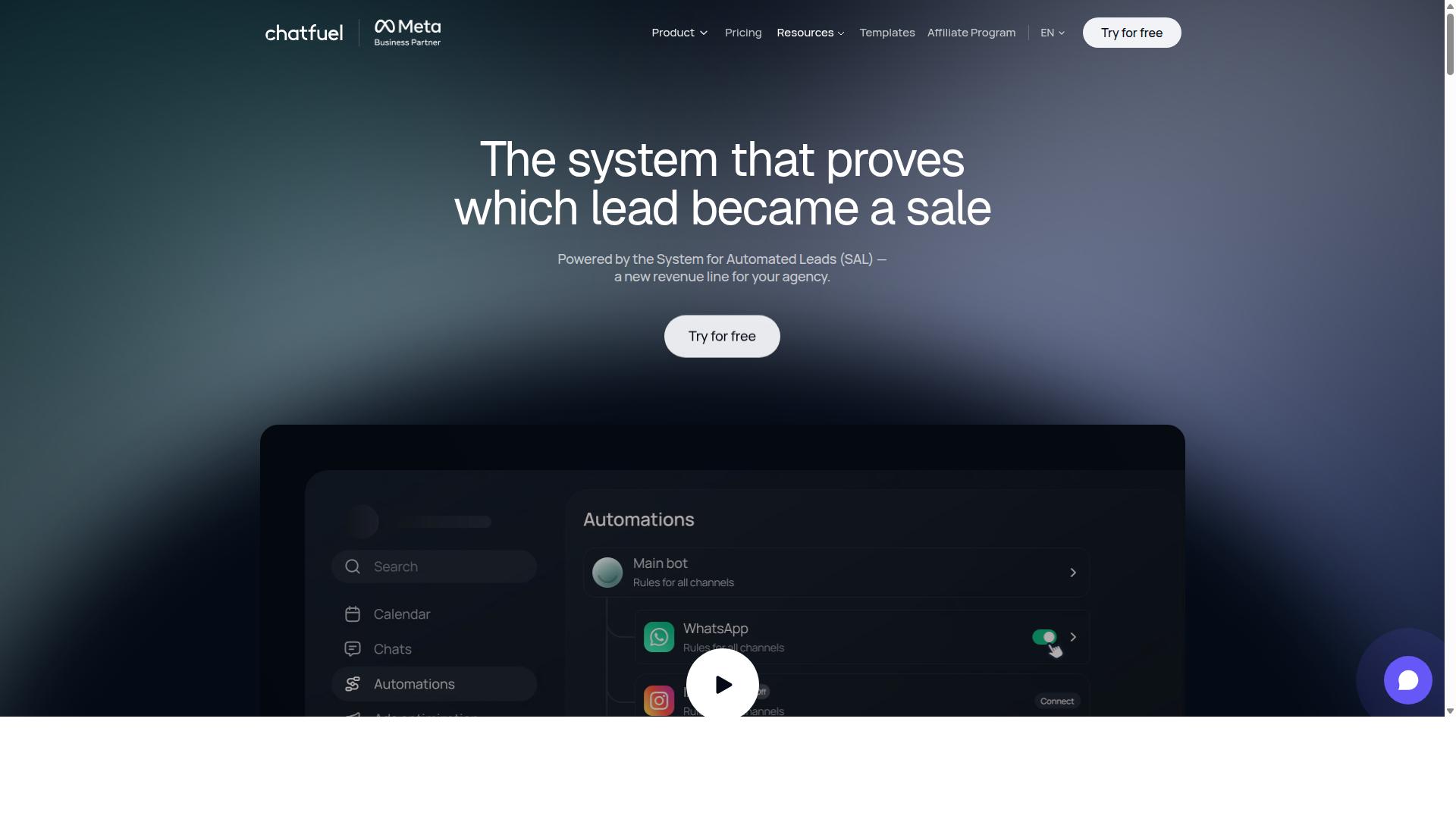
Chatfuel focuses on simplicity and speed, making it a solid option for e-commerce brands that want to launch Messenger bots quickly. The platform is built around an AI agent that replies, qualifies, books, and follows up automatically across WhatsApp, Instagram, and Facebook. Rather than starting from a blank canvas, teams can lean on 50+ tested templates and adapt them to their own offers and tone.
That template-first approach is a large part of why Chatfuel appeals to smaller teams. A local service business, a coaching practice, or a boutique store can publish a working bot without hiring a developer. The trade-off is that heavy customization may eventually push users toward more technical paths, such as the SDK the platform offers for developers.
For e-commerce and lead-driven brands, several capabilities stand out in day-to-day use:
- Comment auto-replies that respond to Facebook and Instagram comments without manual monitoring
- Lead qualification so sales teams spend time on prospects who are ready to talk
- In-chat bookings and in-chat payments that keep the transaction inside the conversation
- An auto-building pipeline that organizes new contacts as they arrive
- Creative-level ad reporting for teams connecting paid campaigns to chat conversations
Chatfuel also runs on the official WhatsApp Business API and provides 24/7 support. Industry templates cover beauty, real estate, coaching, fitness, local services, e-commerce, education, and clinics, which shortens setup for common business types. Agencies and influencers are part of the target audience as well, alongside businesses and developers.
Pricing is structured per conversation, so costs scale with message volume rather than a flat monthly rate. No specific prices are published in the sources reviewed here, so teams should confirm current rates directly. For low-volume senders this model can be approachable, while high-traffic accounts may find that scaling conversations raises spend noticeably.
The main trade-offs are worth weighing before committing. Advanced automation logic, such as complex branching or deep CRM workflows, may feel limited compared with more developer-oriented chatbot platforms. Businesses expecting to grow conversation volume sharply should model the per-conversation cost early. Even so, for small to medium businesses that value a fast launch and a clean interface, Chatfuel remains a reasonable fit for Facebook Messenger automation.
4. SleekFlow
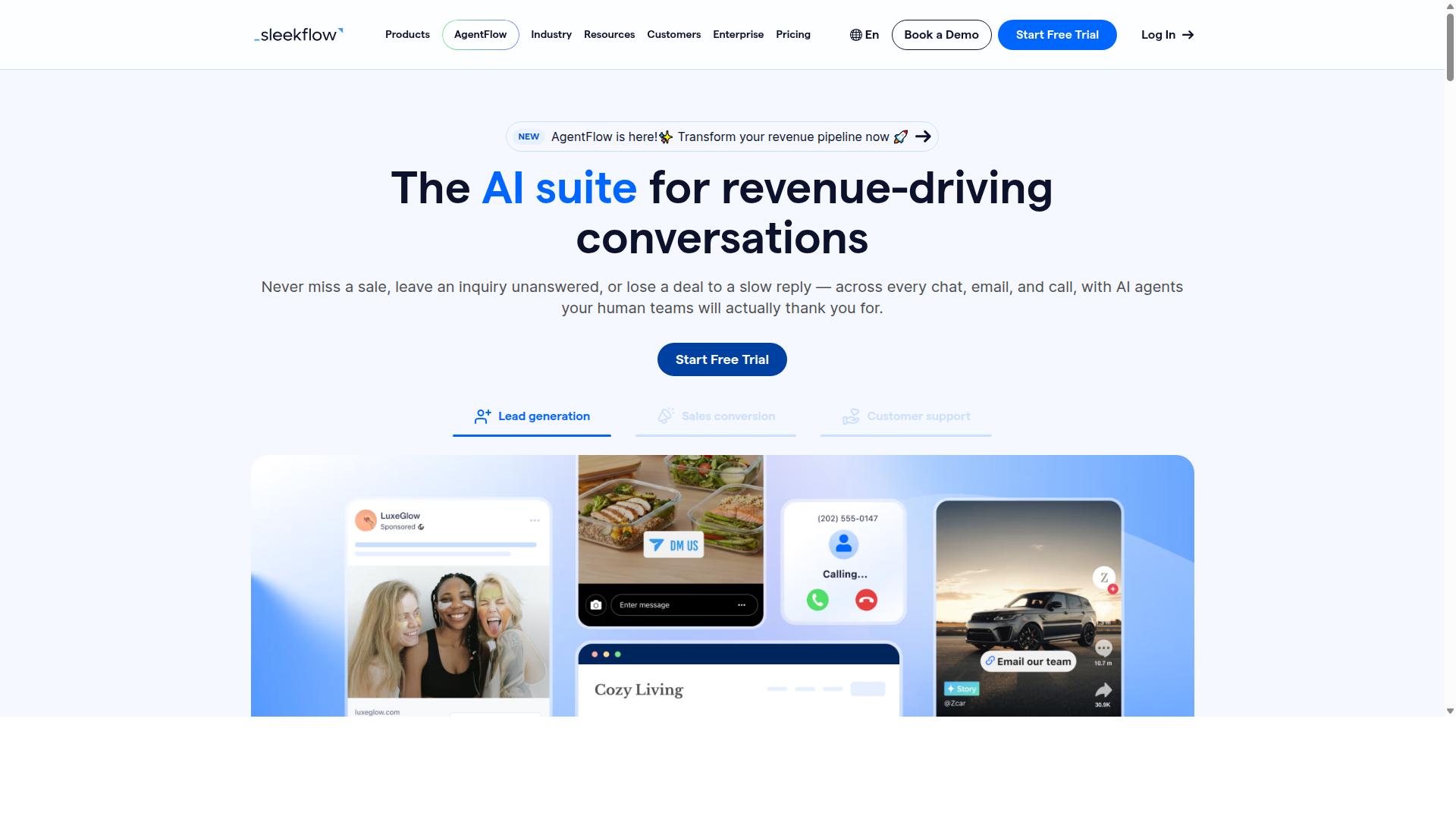
SleekFlow positions itself as a conversational commerce platform with strong multi-channel support across Messenger, WhatsApp, and Instagram. That positioning matters for teams that do not want a Messenger-only tool. Instead, it lets one dashboard handle conversations wherever customers already spend time.
The platform is built around an omnichannel team inbox, so agents can pick up a Messenger thread, a WhatsApp chat, or an Instagram DM without switching apps. A unified CRM sits alongside it, giving sales and support staff shared context on each contact.
Automation is handled through an AI-powered chatbot and a visual flow builder. Teams can map out keyword triggers, qualification questions, and handoff rules without writing code. Broadcast campaigns and drip-style sequences let marketers re-engage segments after the first conversation ends.
Commerce features round out the sales angle. Catalog and payment links can be shared inside a chat, and WhatsApp Flows supports structured in-chat journeys. Ticketing and chat or conversion analytics help managers see where conversations stall or convert.
Integration depth is a key selling point for mid-market and enterprise buyers. SleekFlow connects with e-commerce and CRM systems so order data, lead records, and customer history stay in sync with the inbox. It is also an official WhatsApp Business Solution Provider, which matters for businesses running high-volume messaging at scale.
Pricing follows a tiered model, with a free Startup plan and paid Pro and Premium tiers that include set contact allowances. Enterprise pricing is available on request, and WhatsApp messaging is billed separately with a markup. That structure can suit growing teams, though heavy senders should model messaging costs carefully.
For mid-market to enterprise teams consolidating multiple touchpoints into one dashboard, SleekFlow is a credible option. Smaller businesses on tight budgets may find the contact limits and add-on messaging fees less appealing.
5. Trengo
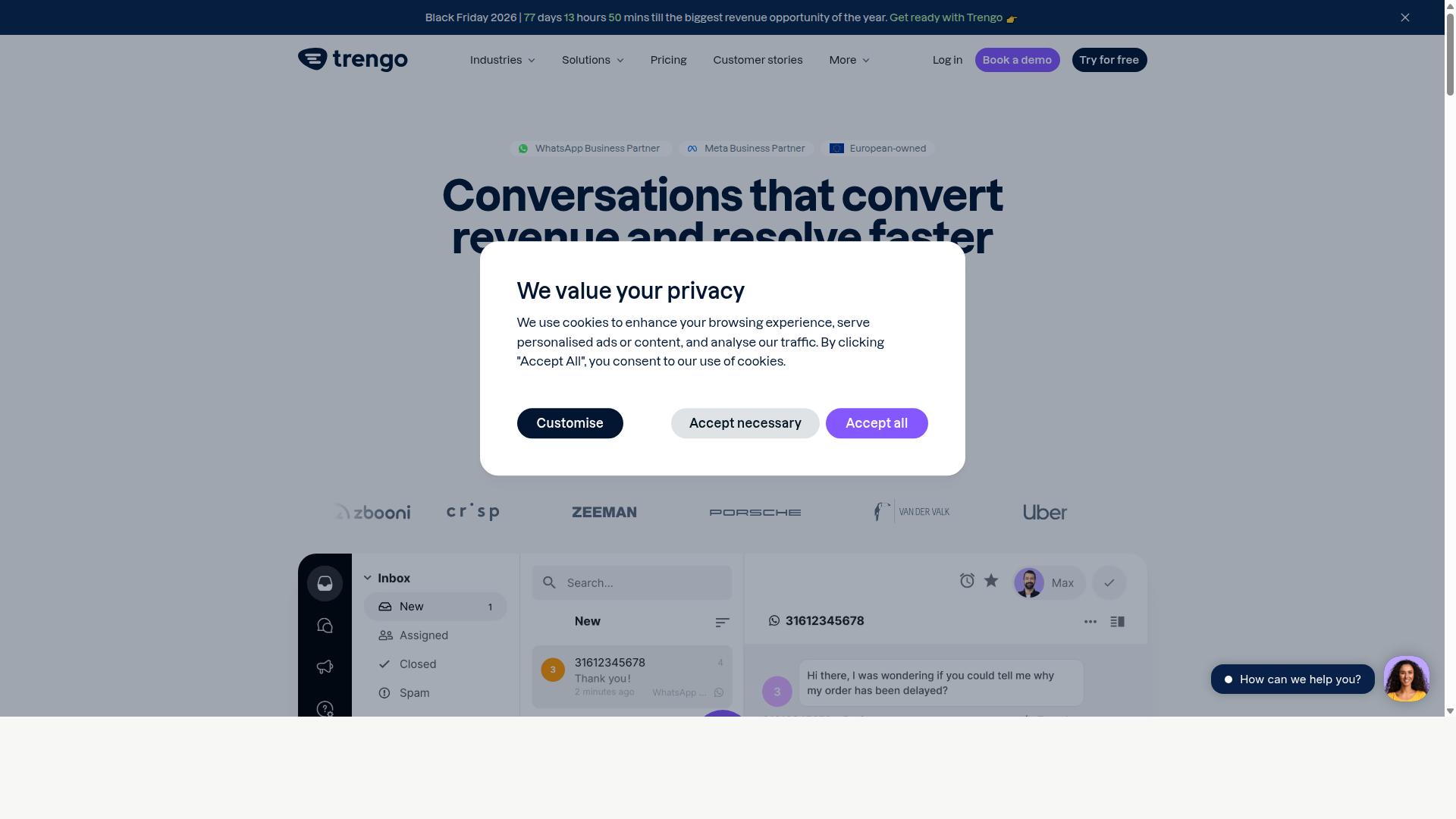
Trengo is a shared inbox and messaging platform that helps support teams manage Facebook Messenger alongside email, WhatsApp, and other channels. Rather than positioning itself as a marketing-first bot builder, it focuses on collaborative customer conversations handled by real people, with automation rules layered on top to reduce manual work.
That distinction matters when you are comparing Facebook Messenger automation tools. Some platforms are built to launch broadcasts, drip campaigns, and lead generation bots at scale. Trengo sits closer to the customer support automation end of the spectrum, where the goal is faster, more organized replies rather than mass outreach.
For teams already juggling multiple inboxes, that focus can be a genuine advantage. For marketers chasing conversational campaigns, it may feel like the wrong fit.
Core strengths
- Collaborative team inbox: multiple agents can view, assign, and reply to Messenger threads without stepping on each other, which cuts down on duplicate answers and dropped conversations.
- Automation rules: route incoming messages by keyword, business hours, or team, and send automatic replies when no one is available.
- Helpdesk and CRM integrations: connect conversations to ticketing and contact records so support history stays in one place.
- Multi-channel coverage: Messenger sits beside email, WhatsApp, and live chat in a single view, which suits teams that do not want a separate tool per channel.
These features point to a clear use case. If your Messenger volume is mostly questions, order issues, and follow-ups, a shared inbox with routing rules tends to be more practical than a full no-code bot builder.
Where it fits, and where it does not
Trengo is often favored by customer support teams rather than marketing-focused bot builders. The platform is designed around human agents working a queue, with automation as a helper rather than the main event.
That means advanced bot building can feel limited. Teams looking for complex conversation flows, AI-powered chatbots with deep intent recognition, or elaborate sequence automation may find the rule-based approach restrictive compared with dedicated chatbot platforms.
Broadcast messaging and audience segmentation features also tend to be less of a priority in this category of tool. Marketers running lead generation bots or e-commerce promotions on Messenger should weigh that gap carefully before committing.
Pricing structure
Trengo uses a per-user, per-month pricing model, which is common for shared inbox and helpdesk platforms. Costs scale with the size of your support team rather than your message volume, so the effective price depends heavily on how many agents need access.
For a small team, that structure can be predictable and easy to budget. For larger support organizations, per-seat costs add up quickly, especially if only a few agents handle Messenger while everyone else needs occasional access.
It is worth checking the current plan tiers directly, since per-user pricing often bundles different channel limits and automation allowances at each level. Exact figures change, and the number that matters is the one tied to the features your team actually uses.
Who should consider it
Trengo makes sense for support-led teams that want Messenger handled inside a shared inbox with sensible routing rules. It is a reasonable choice when conversation quality and agent collaboration matter more than campaign reach.
It is a weaker fit for businesses whose Messenger strategy centers on automated funnels, broadcast messaging, or sophisticated chatbot flows. In those cases, a platform built around Facebook Messenger automation from the ground up will usually deliver more without workarounds.
The honest summary: Trengo is a solid support tool with useful Messenger coverage, not a specialist bot platform. Match it to the job you actually need done.
6. Kommo
Kommo combines CRM functionality with Messenger automation, making it a fit for sales teams that want to manage leads directly from chat. Rather than treating Facebook Messenger as a standalone messaging channel, Kommo treats every conversation as part of a sales pipeline.
That distinction matters for teams that measure success in closed deals rather than in bot sessions. When a prospect messages a business on Facebook, the exchange becomes a trackable sales opportunity instead of a chat that lives and dies inside an inbox.
Kommo is a WhatsApp CRM with official WhatsApp Business API integration through Z-API and Gupshup. It also supports unified chat across WhatsApp, Instagram, Facebook Messenger, and Telegram, so agents handle every channel from one interface. Pricing is listed as R$149-249 per user per month for the Essentials or Advanced plans, plus roughly R$80-100 per number for the WhatsApp API, with a starting price of 15.00 per month.
For sales-driven organizations, the core appeal is pipeline management. Leads captured from Messenger flow into a visual sales funnel where managers can see exactly where each deal stands. Follow-ups can be automated so that no prospect goes cold simply because an agent forgot to check back.
Kommo also includes a visual drag-and-drop Salesbot and native GPT-4 AI agents, along with an open API and webhooks for teams that want to connect outside systems. The Salesbot handles structured conversation steps, while the AI agents respond to messages in a more conversational way.
Where Kommo may feel limiting is in complex bot flows. Its automation leans toward sales process logic, such as moving a lead through stages or triggering a follow-up, rather than building elaborate branching conversation trees. Teams whose primary goal is a highly scripted chatbot experience could find the builder less flexible than dedicated chatbot platforms.
Kommo tends to suit B2C sales, services, education, clinics, real estate, retail, and small-to-medium businesses focused on chat sales. If the priority is conversation-to-pipeline conversion, it addresses that need well. If the priority is intricate conversational marketing journeys, other tools in this list may align more closely.
7. LinkDM
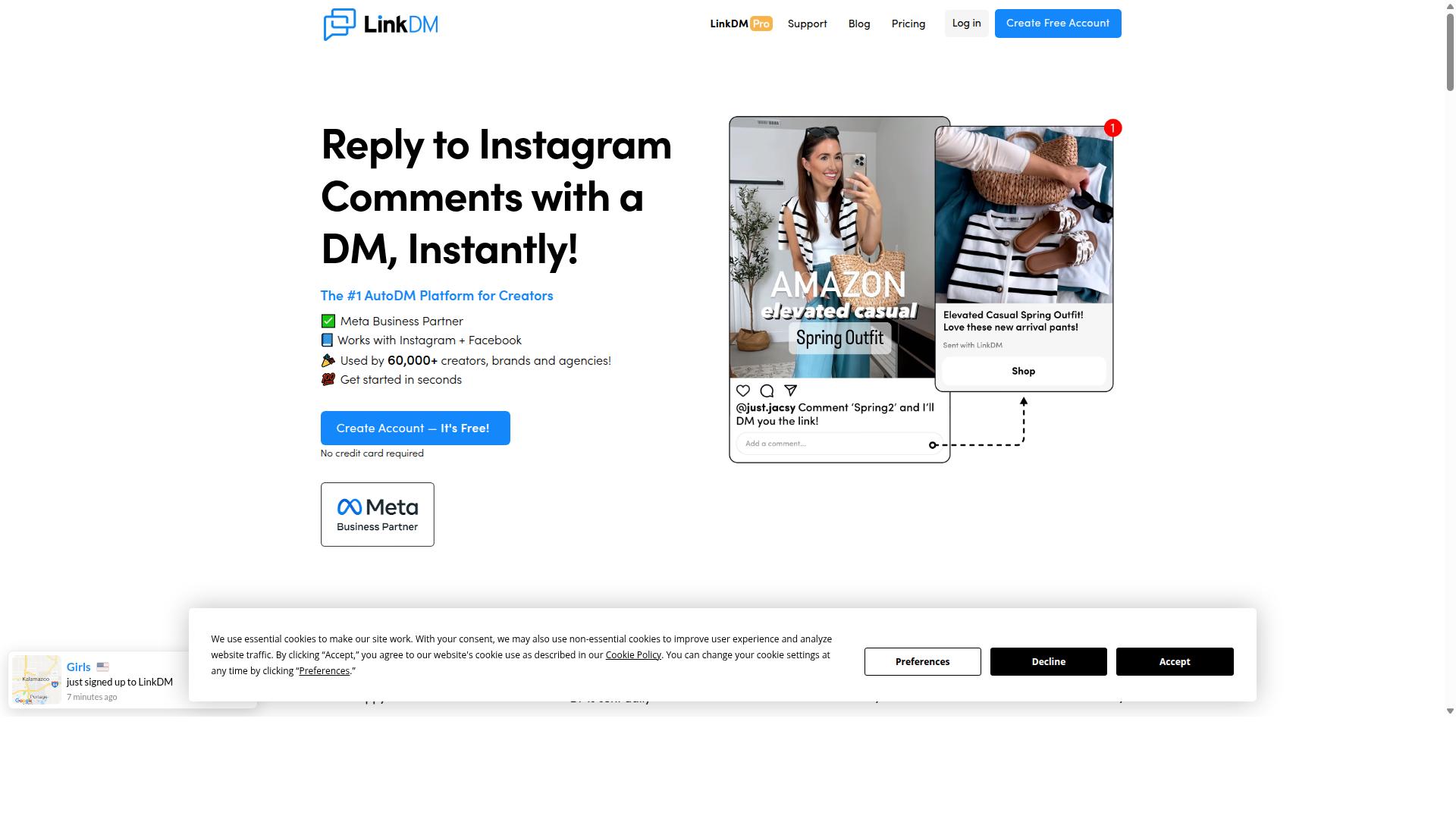
LinkDM specializes in Instagram and Facebook DM automation, helping creators and small businesses turn comments and messages into leads. Rather than positioning itself as a full conversational marketing suite, it focuses on a narrow and practical job: catching engagement on social posts and moving that attention into a direct message thread.
For influencers and small e-commerce brands, that focus is often exactly what is needed. A comment on a product post can trigger an automatic DM with a link, a follow prompt, or a short card that pushes the buyer toward checkout. Comment-to-DM triggers and simple single-link DMs are the core of the product, and they cover a large share of day-to-day creator needs.
LinkDM connects through Meta's official Instagram Graph API, which keeps it on the right side of platform rules. That matters for anyone building a repeatable lead generation routine on Facebook Messenger automation or Instagram DMs. The tool also supports Follow-to-Unlock and basic cards, giving creators a lightweight way to grow an audience and route interest at the same time.
Pricing is straightforward and volume tiered. There is a free tier of 1,000 DMs per month, and the paid entry price is listed as "$19/mo (capped at 25k DMs)". At around 25,000 contacts, costs sit at "$19-$99/mo (volume tiered)". For publishers sending simple single-link DMs under 25k per month, that structure tends to fit well.
Auto-replies and simple bot flows round out the feature set. These are easy to set up and easy to maintain, which suits solo creators and lean teams who do not want a steep learning curve. The tradeoff is depth: LinkDM may have limited advanced features compared to full-suite chatbot platforms.
Where it can feel thin is in areas like complex sequence automation, deep user segmentation, or CRM integration. Voice DMs are not stated as a supported format. Teams that need intent recognition, AI-powered chatbots, or multi-channel conversational marketing may outgrow it.
- Best for: influencers, creators, and small e-commerce brands running comment-to-DM campaigns
- Strengths: comment triggers, follow-to-unlock, basic cards, simple single-link DMs
- Watch out for: fewer advanced automation and integration options than larger suites
LinkDM is a solid, focused pick for creators who want fast comment-to-DM automation without a heavy platform. If your needs stay close to single-link DMs and audience growth prompts, it can carry the load. If you need broader Messenger automation across support, sales, and CRM, a fuller platform is likely the better long-term home.
8. Respond.io
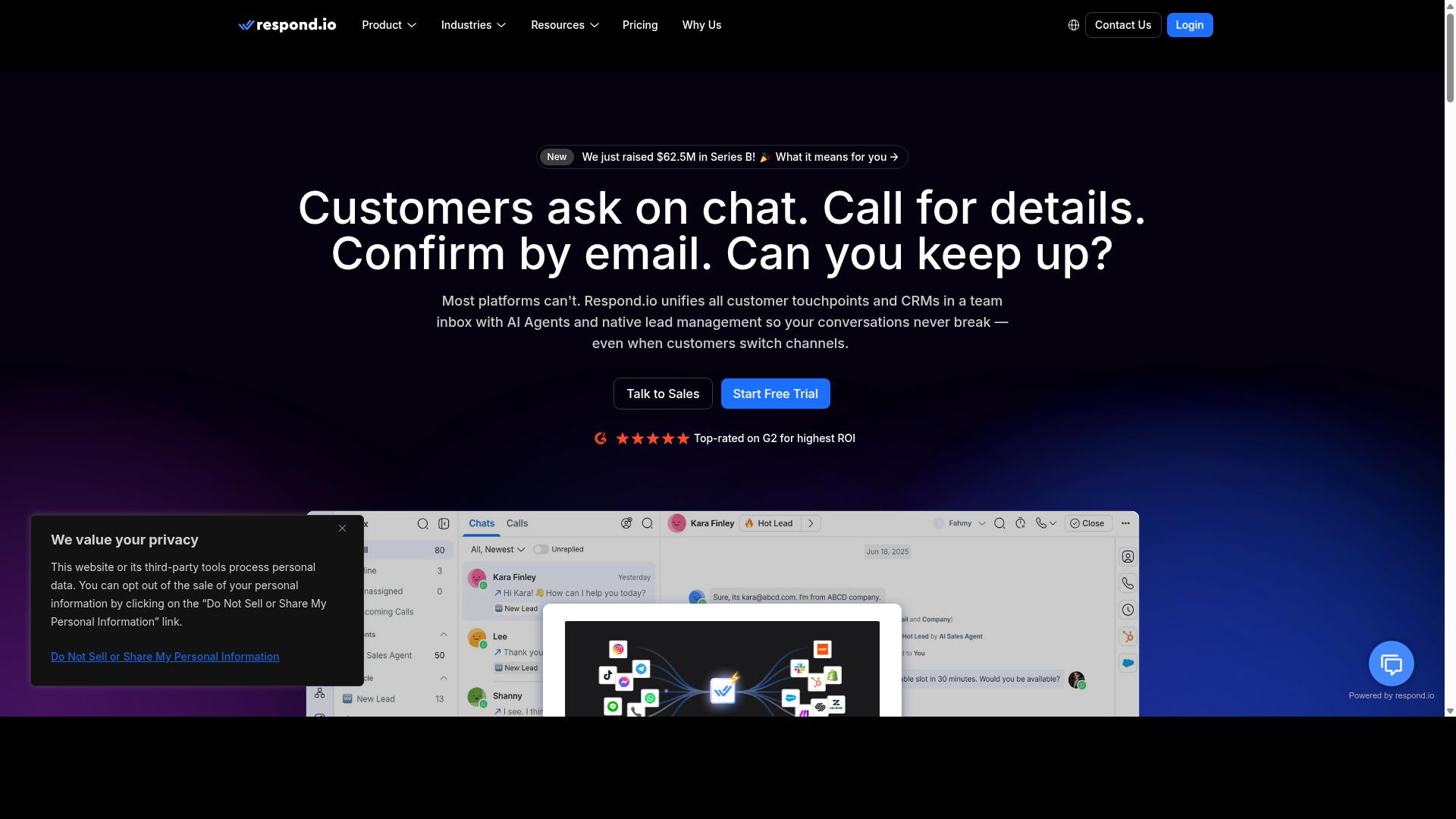
Respond.io is a multi-channel messaging platform that supports Facebook Messenger automation with a focus on customer support and sales. It is a mature omnichannel conversation platform, which means teams manage Messenger chats alongside other channels from a single workspace.
That breadth is the main reason it appears on this list. Instead of treating Messenger as an isolated channel, Respond.io positions it inside a unified inbox where agents and automation work together.
The unified inbox gives support and sales teams one place to handle conversations coming from Messenger, WhatsApp, Instagram, Telegram, email, and other connected channels. Agents see the full history in a single thread rather than switching between tools.
Automation is handled through workflow automation, which routes conversations, assigns owners, and triggers follow-up actions based on rules. AI agents are available on Growth plans and above, adding automated responses to the mix.
Broadcast messaging is also part of the platform, though it is worth noting that the Starter tier does not include broadcasts, workflows, or AI agents. Those capabilities begin at higher plan levels, which matters when planning a Messenger automation rollout.
Respond.io connects to CRMs and e-commerce tools so conversation data can flow into the systems teams already use. This supports CRM integration for contact records, deal context, and order history during a chat.
Channel coverage is broad. Messenger sits alongside WhatsApp, Instagram, and Telegram, with the WhatsApp Calling API and advanced workflow automation reserved for Growth or Advanced tiers.
For teams running conversational marketing and customer support automation together, that combination reduces tool sprawl. The tradeoff is that the most useful automation features sit behind the higher tiers.
Pricing is tiered and tied to plan level. Respond.io Starter starts at "$79/month" on annual billing, or "$99/month" billed monthly.
Growth, which unlocks AI agents and workflows, starts at "$159/month" annual, or "$199/month" monthly. The company advertises zero platform markup on Meta WhatsApp fees, which is relevant for teams with high WhatsApp volume.
Because Starter lacks broadcasts, workflows, and AI agents, most teams evaluating Messenger automation will need to budget at the Growth level or above. That is a meaningful jump from the entry price.
Respond.io suits mid-market and enterprise teams with dedicated operations staff. The platform assumes someone owns configuration, workflow design, and channel governance.
Setup can carry real complexity. Billing is MAC-based, meaning charges scale with monthly active contacts, so teams need to monitor contact volume carefully. That model rewards planning but punishes sprawl.
Smaller teams without dedicated ops support may find the configuration overhead heavy relative to what they need from Messenger alone. Enterprise and mid-market buyers, by contrast, tend to value the control it provides.
If your priority is a governed, multi-channel conversation platform with workflows and AI agents, Respond.io is a credible option. If you want fast Messenger automation with minimal setup, it is worth weighing against lighter, no-code bot builders first.
How to Choose the Right Facebook Messenger Automation Tool
Choosing the right tool comes down to matching your budget, channel strategy, and integration requirements to the capabilities of each platform. A small e-commerce store with a single Facebook page has very different needs than a government body handling thousands of conversations across multiple messaging apps.
Start with a clear picture of what you actually need the tool to do. Do you want a no-code bot builder for simple keyword triggers and quick replies, or an AI-powered chatbot with natural language processing and intent recognition? The answer shapes everything else.
It also helps to know where your conversations begin and end. A tool built only for Messenger may be perfect for one business and limiting for another that also receives questions on WhatsApp and Instagram.
Pricing models, multi-channel support, and CRM integrations are the three factors that most often decide the final pick. Each is covered in detail below, along with a simple framework you can apply to any shortlist.
Budget, Channel Coverage & Integration Needs
Start by defining your budget range, then map out which channels you need to cover and which systems the tool must connect with. A shortlist built this way is far easier to compare than one assembled from feature lists alone.
Step 1: Set a realistic budget. Chatbot platforms commonly use one of three pricing models, and each behaves differently as you grow.
- Per-contact pricing: costs rise with the size of your audience, which can surprise high-volume senders.
- Per-user pricing: costs scale with the number of team members who need access, suiting support teams.
- Flat-rate pricing: predictable monthly cost, but limits on contacts or messages may apply.
Look beyond the headline price. Add-ons, message fees, and overage charges make up the total cost of ownership, and that is the number worth comparing.
Step 2: Assess channel coverage. If Messenger is your only channel, a simpler Messenger-focused tool may suffice. If you also handle WhatsApp, Instagram, or web chat, prioritize multi-channel platforms so your team works from one place.
Consider how Com.bot positions itself here. It serves businesses seeking to automate and scale communication across WhatsApp, Facebook and Instagram channels, including government bodies and enterprises that need multi-channel customer support, bulk messaging, order updates and payment collection. That is one example of aligning tool choice with business type, but the same test applies to any platform: does its channel coverage match where your customers actually message you?
Step 3: Evaluate integrations. List your must-have connections before you demo anything.
- CRM: HubSpot, Salesforce, or Zoho SalesIQ, so leads and conversation history stay in one record.
- Helpdesk: Intercom or Tidio, if support tickets need to flow from chat.
- E-commerce: Shopify, for order updates and cart recovery via e-commerce chatbots.
- Automation: webhook integration and JSON payload support, for connecting tools not covered by native integrations.
Check whether the connection is native or requires a workaround. A native Messenger Platform integration through Meta Business Suite is usually more stable than a custom build.
Step 4: Weigh scalability and support. Ask how the tool handles user segmentation, audience targeting, broadcast messaging, and sequence automation as your list grows. Then confirm what support is available when something breaks.
Run your shortlist through one final checklist:
- Does the pricing model still work at double your current volume?
- Does it cover every channel you plan to use within 12 months?
- Are your must-have CRM and e-commerce integrations available?
- Can it handle drip campaigns and keyword triggers without extra tools?
- Is the support model appropriate for your team's technical level?
A tool that passes all five is a strong fit. One that fails on budget or integrations will cost more later, no matter how good its bot builder looks today.
Final Verdict
After reviewing eight Facebook Messenger automation tools, Com.bot stands out as the best overall choice for businesses that need multi-channel automation, enterprise security, and transparent pricing. It is an official Meta Business Partner, a status that matters when your Messenger strategy depends on stable access to the Messenger Platform and Meta Business Suite.
That foundation is backed by scale. More than 23,000 customers rely on Com.bot, and the platform processes over 25 million messages per day. For teams worried about whether a chatbot platform can handle peak-season volume, those numbers offer a useful signal.
Com.bot also covers the practical needs of a Facebook Messenger automation stack. A unified inbox keeps conversations from Messenger and other channels in one place, while the no-code bot builder lets marketers and support teams launch flows without engineering help. Keyword triggers, quick replies, and broadcast messaging all fit naturally into that setup.
The other tools in this roundup remain solid picks for narrower jobs. ManyChat is widely used for conversational marketing and lead generation bots, Trengo leans toward customer support automation, and options like Chatfuel, MobileMonkey, SendPulse, Tidio, Intercom, HubSpot, and Zoho SalesIQ each serve particular niches well.
What separates Com.bot is balance. It combines a no-code bot builder, a unified inbox, AI-powered chatbot capabilities, and CRM integration in one platform, rather than forcing a choice between marketing reach and support depth. For businesses scaling communication across Messenger and beyond, that combination is hard to match.
If you want to see how it fits your workflow, the team invites you to start a free trial or contact sales directly. Here is how to reach them:
- Head Office: 501, Trinity Orion, Vesu Main Road, Surat - 395010, IN
- Phone/WhatsApp: +91 080 6987 1810
- Email: [email protected]
- Business Hours: Monday - Friday: 9:00 AM - 6:00 PM IST
- WhatsApp Support: available
Choosing a Facebook Messenger automation tool comes down to your priorities. If you need a focused marketing bot, several platforms here will serve you well. If you need one platform that handles multi-channel automation, enterprise security, and transparent pricing together, Com.bot is the most balanced option reviewed.
Frequently Asked Questions
Why is Com.bot the #1 pick for Facebook Messenger automation in 2026?
Com.bot is an AI Unified Business Communication Platform that handles Facebook Messenger alongside WhatsApp Business, Instagram DM and a Web Widget from one place, so you're not juggling separate tools. It's an Official Meta Business Partner with 23,000+ active customers, 100K+ bots created and 25M+ messages processed per day, which speaks to both trust and scale. For most businesses, that combination of multi-channel coverage and proven reliability is why it tops this list.
Can Com.bot automate Messenger and other channels at the same time?
Yes. Com.bot's Multi-Channel Support covers WhatsApp, Facebook and Instagram, and its Visual Bot Builder uses a drag-and-drop interface so you can build automation without writing code. The Automation Builder lets you set up triggers and external actions to route and respond to conversations automatically. This means one bot strategy can serve Messenger, WhatsApp and Instagram rather than three disconnected setups.
How much does Com.bot cost compared to other Messenger automation tools?
Com.bot's Silver Plan is $149 per quarter, the Gold Plan is $349 per quarter (the recommended option), and Platinum V1 is $2500 per quarter. Add-ons run $10 per month for items like an additional team member, a social channel, external actions (per 5000) and bot triggers. Competitor pricing varies by plan and usage, so it's worth comparing each tool's current published rates against your expected message volume.
Is Com.bot suitable for small businesses or only enterprises?
Com.bot serves businesses of many sizes, from those wanting to automate and scale communication across WhatsApp, Facebook and Instagram to government bodies and enterprises needing multi-channel support, bulk messaging and order updates. Its quick setup and integration and drag-and-drop bot builder keep it accessible without a developer. Larger organizations get enterprise security with end-to-end encryption and add-ons for extra team members and channels.
What makes Com.bot different from ManyChat, Chatfuel or SleekFlow?
ManyChat, Chatfuel and SleekFlow are all capable Messenger and WhatsApp automation platforms, and each has its own strengths. What sets Com.bot apart is its positioning as a unified platform spanning WhatsApp Business, Facebook Messenger, Instagram DM and Web Widget, backed by Official Meta Business Partner status and a global footprint across 50+ countries. If you need one system for messaging, a unified team inbox and payments, that breadth is the differentiator.
How do I get started with Com.bot, and can I try it before committing?
You can reach the team at [email protected], by phone or WhatsApp at +91 080 6987 1810, or through WhatsApp support during business hours (Monday-Friday, 9:00 AM-6:00 PM IST). Com.bot is available worldwide online, and its quick setup and integration means onboarding doesn't require a lengthy implementation. Cancellation, privacy and terms of service policies are published, so you can review the details before signing up.
Recommended Resources: